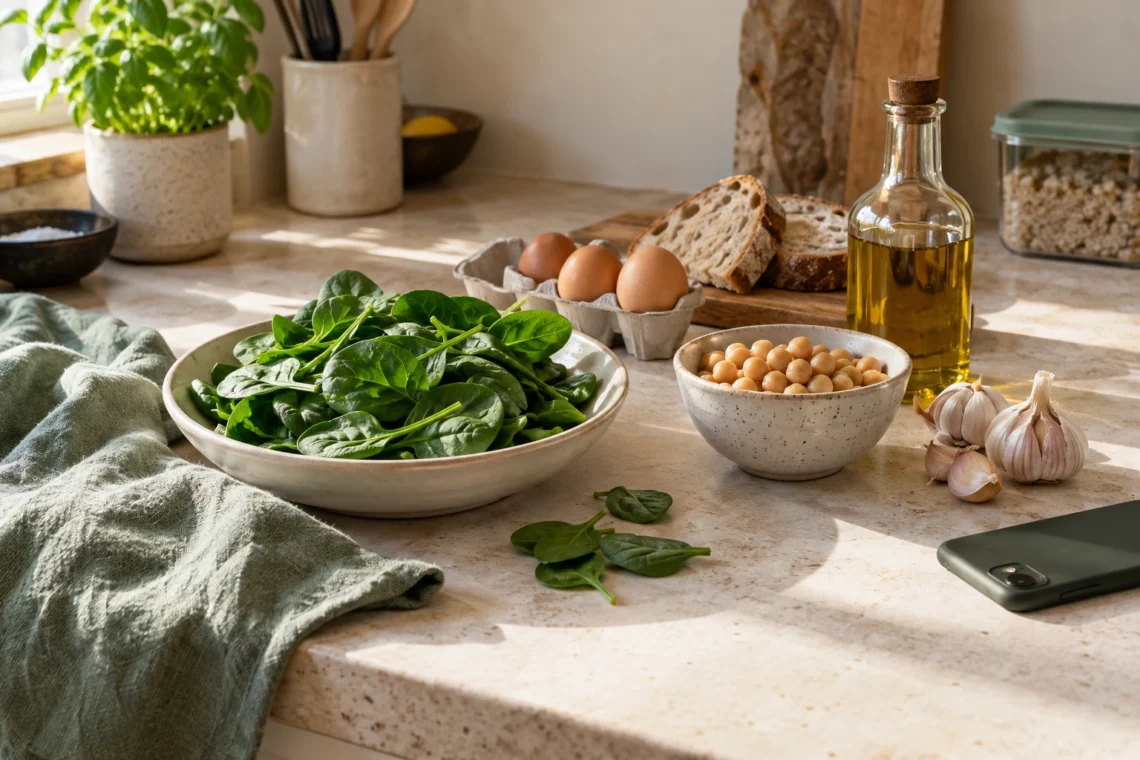
The spinach needs using. The new curry recipe doesn’t need spinach. It’s a small mismatch, but repeat it a few nights running and the food you meant to eat starts slipping out of the plan.
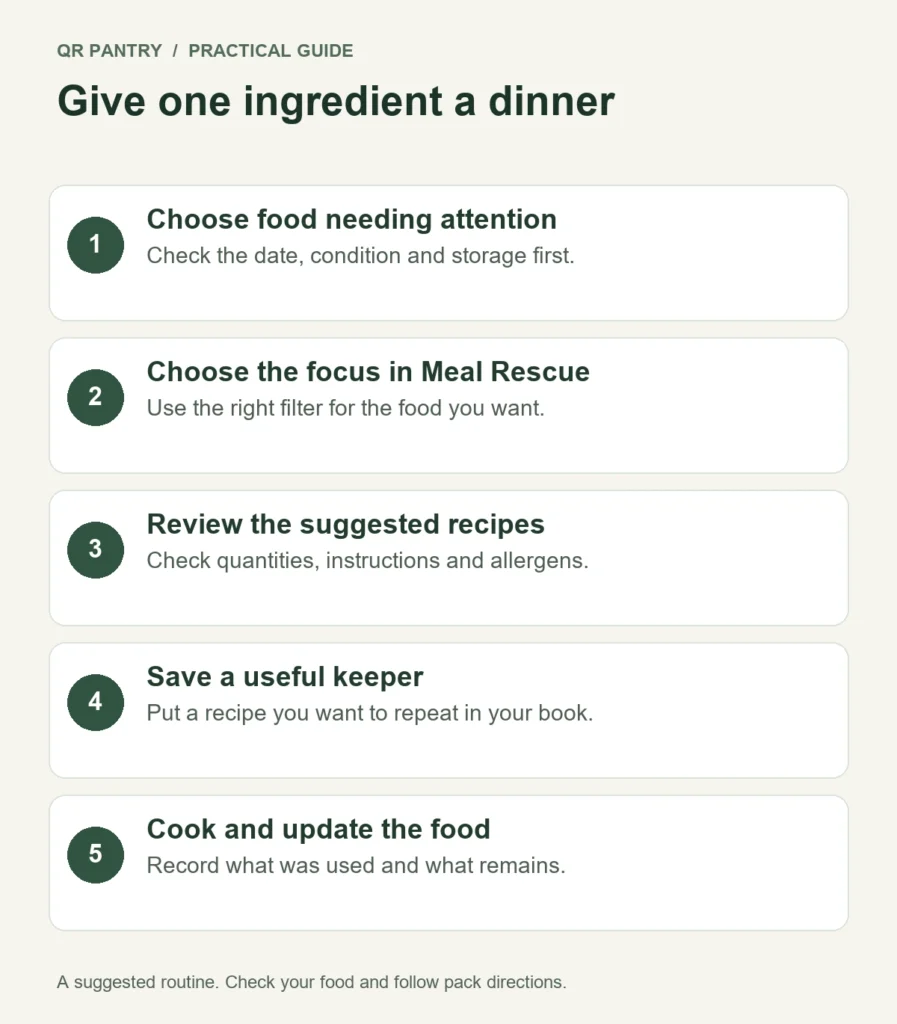
Try starting dinner from the other end: choose one ingredient that needs attention, then find a meal that makes good use of it. QR Pantry’s Meal Rescue suggests recipes from your recorded food, with options to focus on items nearing their dates. A few checks before you ask can make those ideas much more useful.
Pick a priority while you can still make a choice
Look in Food for items approaching their recorded dates. Then look at the actual food. The record helps you remember; it can’t tell you everything about how that food has been stored or handled.
Choose something you can safely use and genuinely want to cook with. You don’t have to combine every near-date ingredient into one dish. A workable meal built around the spinach is a better starting point than trying to squeeze spinach, strawberries and yoghurt into tonight’s dinner.
Leave time to act. A short check before your next shop gives you more options than noticing the ingredient while unpacking its replacement. NSW’s Love Food Hate Waste meal-planning guidance recommends checking ingredients and finding ways to use them across meals before shopping.
Read the date properly
A use-by date concerns safety: don’t eat food after it. A best-before date concerns quality and doesn’t automatically mean food is unsafe once the date passes. Food Standards Australia New Zealand explains the distinction and advises following the supplier’s storage and cooking directions.
Check instructions for opened food too. An unopened pack date isn’t the whole story once you’ve opened it. If the product says to use it within a stated period after opening, keep that requirement visible in your plan and notes.
A date suggested by QR Pantry or AI isn’t a safety assessment. Don’t change an accurate date just to make an item appear in the suggestions, and don’t use a recipe to justify using questionable food. The NSW Food Authority’s key tips include keeping cold food below 5°C, separating raw and cooked food and following storage instructions.
Give Meal Rescue an inventory it can work from
Clear names make clearer meal ideas. ‘Spinach’ is useful. ‘Green thing’ leaves too much to interpretation. If you’ve saved ‘Chicken’, specify whether it’s raw chicken, cooked chicken or a prepared chicken dish.
Before generating suggestions, take a quick pass through the records that matter. Mark food you’ve finished Used up. Correct a wrongly entered date. Update an item that moved to another storage space. A recipe built around last week’s empty container can’t help tonight.
You don’t need to perfect the entire pantry first. Start with the ingredients most relevant to this meal and a few useful supporting foods. Check quantities in the kitchen as well as the app. Meal Rescue’s suggestions still need your judgement about whether you’ve got enough for the people eating.
Choose the scope that fits the problem
Open Meal Rescue. The page offers Everything, Expiring soon and Expiring this month. For the spinach problem, start with Expiring soon. You’re asking for ideas shaped by the food that’s closest to its recorded date.
- Expiring soon: useful when a dated ingredient needs attention and you’d like it to influence the meal.
- Expiring this month: a broader view when you’re trying to use more of your recorded stock.
- Everything: useful when you’re looking for ideas across your available inventory, including food without a saved date.
Items without a date won’t appear in Expiring soon. If the narrow view has little to work with, check whether the relevant records have dates, then broaden the scope if appropriate. Don’t invent dates to fill the screen. Frozen food is treated differently from unfrozen dated items, so use Everything when you’re seeking broader freezer ideas.
Next, choose Any, Dinner, Lunch or Snack. Be honest about the meal you need. A lunch suggestion is more likely to fit a short break than asking for Any and hoping a suitable idea appears. Select Suggest recipes, then read the options.
Choose the recipe that solves tonight
A promising title is only the beginning. Read the complete ingredient list and method before you commit. Look for four things: it uses your priority ingredient, you can cover the quantities, the timing fits and the extra shopping is reasonable.
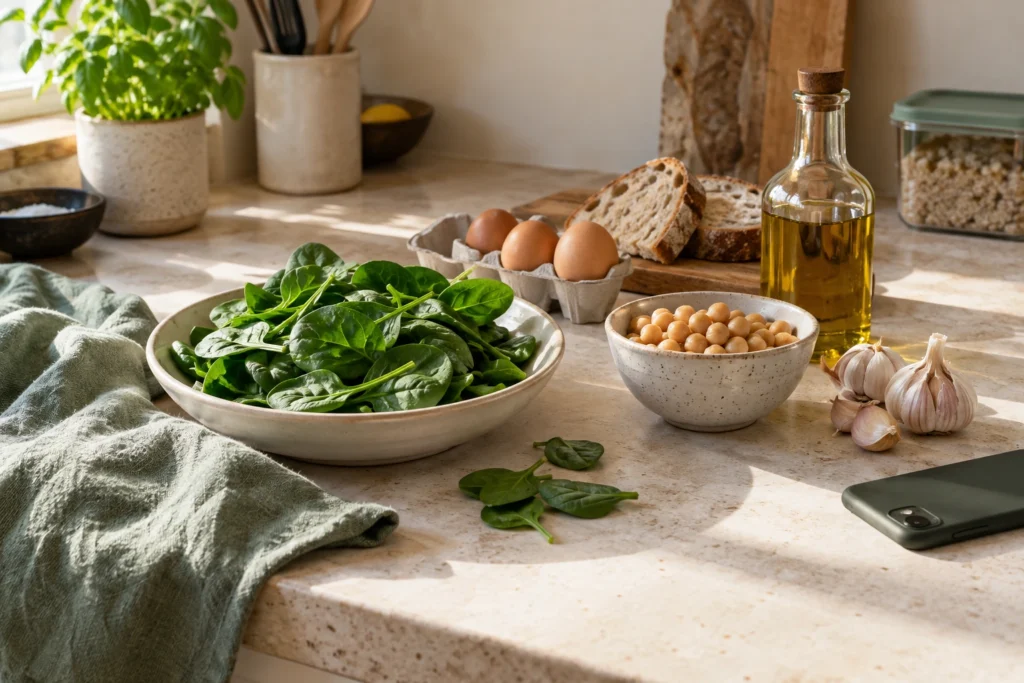
Imagine you’ve got spinach, eggs, beans and bread. You might compare meal directions like these; they’re illustrative choices, not a record of suggestions you’ll always receive.
| Possible direction | Check before choosing | When it might fit |
|---|---|---|
| Spinach and egg dish | Enough eggs and spinach; required seasonings | A meal you can make with little extra shopping |
| Spinach and bean soup | Enough beans; stock and other ingredients available | A meal with useful spare portions |
| Spinach pasta | Pasta and the remaining sauce ingredients available | A dinner using a pantry staple |
Watch for the ingredient that quietly changes the job. An appealing recipe might need fresh herbs, cheese and a special sauce you don’t have. It can still be a good choice, but count that extra shopping before you decide. Sometimes the slightly less exciting option makes better use of tonight’s kitchen.
Check allergens and dietary needs independently, using the actual ingredient labels and the full recipe. Don’t assume a suggestion has verified them for your household. Read cooking instructions critically too; AI suggestions can make mistakes, and safe preparation remains your responsibility.
Save an idea you'll actually use again
When a suggestion is worth keeping, select Save to my recipes. It goes into your recipe book, where you can return to its ingredients and method. A good rescue meal can become part of your regular cooking instead of something you have to rediscover next time.
Keep the saved version useful. If you change the recipe, update it to reflect what you intend to cook again. Make a short note about the change if needed, rather than relying on memory when the same ingredient needs using next month.
If you won’t cook the suggestion tonight, put it into a realistic meal slot. Check that the relevant food will still be suitable then. The free planner covers the current week; Pro adds planning weeks ahead. Scheduling a recipe doesn’t extend the life of its ingredients.
Finish the rescue by updating Food
After cooking, mark only the containers or packs you’ve emptied as Used up. If you used half the spinach, keep the remaining amount accurate. Otherwise tomorrow’s suggestions will be based on food you no longer have.
Store any extra prepared food safely and save it as its own food item if you’ll use it later. Include the cooking date, destination and serves. Don’t lose track of the new leftovers while celebrating the ingredients you’ve used.
Meal Rescue is best treated as a decision aid you use when an ingredient needs attention. Check the current availability shown on your account; Pro uses its shared AI allowance. Between suggestions, your saved recipes and an accurate Food list can keep the same habit going.
For your next meal, pick one suitable ingredient that needs using and start there. Review the suggestions, choose one you can cook and update the records afterwards. The useful result is dinner on the table and one fewer item waiting to be forgotten.