Two people call in at the shops on the way home, and both remember that the household was nearly out of yoghurt, so both buy one. At home, there’s already an unopened one behind the cheese.
A shared kitchen runs on small pieces of information: what’s finished, what’s waiting in the freezer, which ingredients belong to tomorrow’s dinner. When those pieces stay in one person’s head, everybody else has to guess. QR Pantry’s household sharing gives you a place to keep them together. A few agreed habits make that shared view useful.
Choose the pantry you'll share
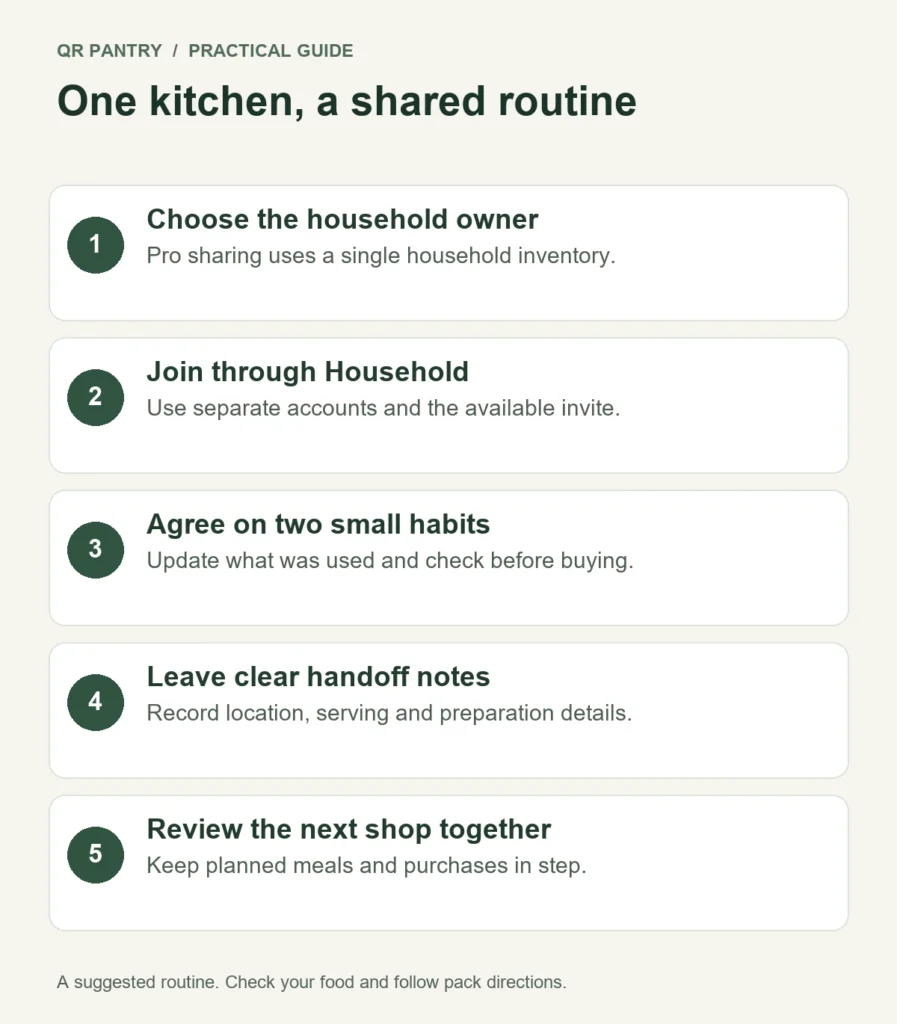
Household sharing is part of QR Pantry Pro. One person owns the shared pantry and can invite up to four other people. Each member uses their own account to see and manage the household’s items, spaces and storage boxes.
Choose the owner deliberately. If one person has already set up the kitchen’s containers and food, that account is a sensible starting point. Decide together before adding another set of records to a different account.
Joining a household doesn’t merge two personal pantries. While you’re a member, your personal items are hidden and the household pantry is active. Your personal pantry comes back if you leave. Anything you add to the shared pantry stays with that household.
This matters if a housemate already tracks their own food. Before joining, understand which account holds the kitchen you’re intending to share and which personal records will be out of view. Avoid building the same kitchen twice and expecting the invitation to combine it.
Invite the people who will use it
Open Household in My Account. When invitations are available, the owner chooses Create invite link, copies the link and sends it to the intended member. The member signs in with their own account and confirms Join household.
Each link can be used once and expires after seven days. Pending invitations use a household spot along with active members. If an invitation isn’t needed, revoke it so the space is available again.
The owner needs an active Pro subscription to create invitations and for new members to accept them.
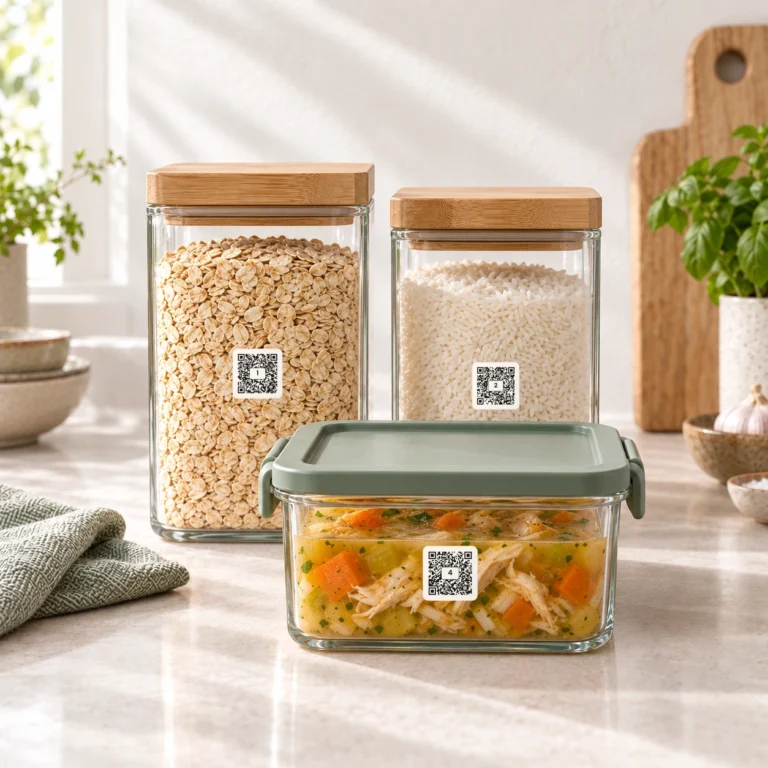
Once someone joins, open Food together and check a familiar item. Scan one labelled container and confirm that both of you are looking at the same shared record. This brief check is more useful than assuming everyone knows how the household works.
Agree on names another person can understand
A record called ‘Dinner’ makes sense for about ten minutes. ‘Pumpkin and lentil soup – two serves’ gives the next person something to work with. Put it in the location where they’ll actually find it.
Use everyday location names. If the freezer has drawers, ‘Freezer – top drawer’ is clearer than a private system of abbreviations. Be consistent enough that someone else can both find food and put it back.
Use the food notes for details that matter to the next person: ‘For Thursday’s curry’, ‘One lunch portion’ or the cooking directions you need to retain. Keep them short and update them when the plan changes. A note that says a meal is reserved is a household agreement, rather than a lock that prevents someone editing or using it.
Everyone in the household can manage the shared pantry. Make sure people understand that changing a record changes the household’s information, even when they’re doing it from their own phone.
Give every change a natural moment
You don’t need a household food administrator. You need a few actions attached to things people already do.
| When this happens | Make this the household habit | Why it helps |
|---|---|---|
| Someone plans a shop | Check Food and the shopping list before leaving | An opened jar and a spare packet are different buying decisions |
| Groceries come home | Record new food and check its location and printed date | The next cook can see the shop without asking who unpacked it |
| A container is finished | Mark it empty and add it to the shopping list if needed | A food record no longer suggests something is available |
| Food moves to the freezer | Update its storage location and relevant notes | The person looking in the fridge knows where it went |
| Leftovers are packed | Record the contents and useful portion details | Tomorrow's cook can identify an actual meal |
If someone drinks the last of the milk, they’re the person best placed to flag it. If someone brings home an extra packet, they know what was bought. Share those small jobs at the moment the information is fresh.
Make the shopping list a handoff
Use the shared shopping list for what the kitchen needs, rather than keeping competing lists on several phones. NSW’s Love Food Hate Waste shopping guidance recommends checking the fridge and pantry before writing a list. Shared access helps the person doing the shop make that check.
Be precise when it affects the purchase. ‘Plain yoghurt for the marinade’ gives the shopper more guidance than ‘yoghurt’. If only a particular product suits someone in the household, retain the relevant detail and check the current package when buying.
Tick purchases as they go into your trolley. When you are home, use Finish shopping to review what refills an existing item and what becomes new food. The final checkboxes decide whether Food changes; every trolley line comes off the list. Set the packet dates in Food after finishing, and keep an unopened backup separate from older food still in its container.
Coordinate if two people are shopping at once. A shared list helps you see the household’s information, but it doesn’t replace a quick agreement such as ‘I’ll get the groceries; can you collect the bread?’ Check the list again before paying if plans have changed.
Put dinner decisions somewhere everyone can find them
The household’s recipe book and meal planner give cooking plans a common home too. Choose the main dinners together, then leave room for evenings when people eat separately.
Put a note such as ‘Dinner out’ on the relevant day rather than planning ingredients for a meal nobody will cook. Add a recipe for the dinner you’re making, set the intended serves and agree which food is earmarked for it.
For example, if Tuesday’s meal needs four serves and only two people will eat at home, decide whether the extra portions are Wednesday’s lunches or a freezer dinner. Then record the actual portions when you pack them. That stops two people making different plans for the same container.
If dinner changes, update both the plan and any reserved-food note. Check what now needs using earlier. Moving a planned meal doesn’t extend an ingredient’s safe storage time.
Make the food handoff safe as well as clear
Keep the original package information for food that needs it, including storage, cooking and allergen directions. A shared note is useful, but the current label still matters. Manufacturers can change ingredients, so the NSW Food Authority advises checking labels each time you buy a product.
For leftovers, add the useful details while you can still remember them, and handle the food safely as you pack it. Keep it protected and appropriately chilled, and follow storage instructions. These practical principles are covered in FSANZ’s food storage guidance. An app date or an AI estimate does not verify the food’s safety.
When the household changes, check access too
The owner can remove members and revoke pending invitations from Household. A member can choose Leave household. Their personal pantry becomes active again; the items they added to the shared kitchen stay with the household.
When someone moves out, review both the account access and the physical food. Removing a member doesn’t tell the app which containers or packets they took. Update those records so the people still sharing the kitchen have an accurate starting point.
Begin with one agreement tonight: whoever finishes a container updates it before putting it aside. Once that feels ordinary, add the unpacking habit and a shared shopping check. The kitchen becomes easier to run when useful information travels with the food.