
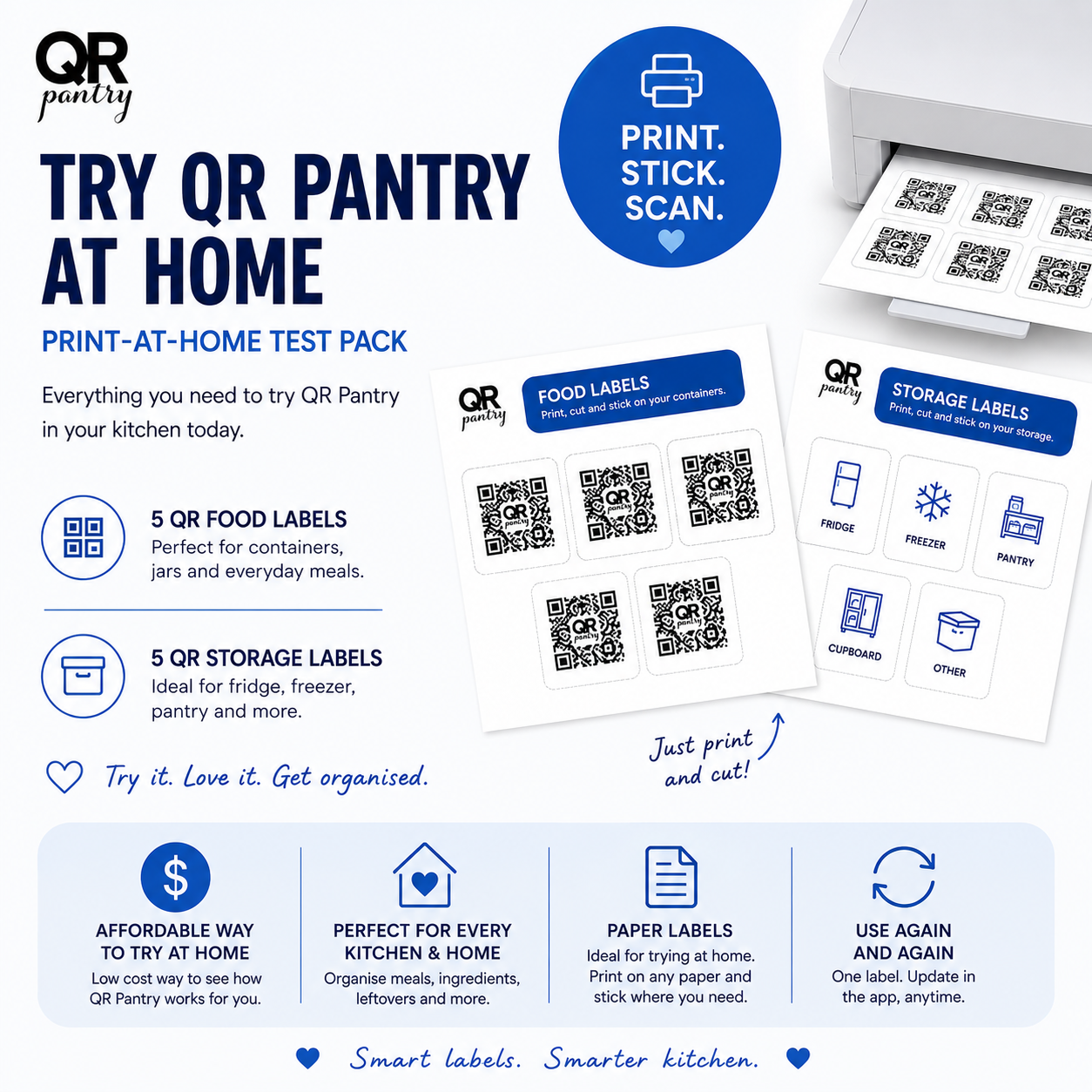
Try QR Pantry at home before you buy labels
Not sure whether QR Pantry suits your kitchen? This free test pack lets you try it with your own printer, some paper, scissors and clear tape.
You’ll get a printable PDF with 10 QR Pantry test labels:
- 5 food labels for meals, pantry items, fridge items, freezer containers and leftovers
- 5 storage labels for containers, cupboards, craft supplies, household storage and more
How it works
- Download and print the PDF.
- Cut out each QR code.
- Tape one onto a container with clear tape.
- Scan it with your phone and add what’s inside.
What you can try
- How QR Pantry works with food and with household storage
- Adding names, dates, locations and notes
- Scanning a label to see what’s inside
- Updating the details when the contents change
- Using the same code again and again in the app
A note about labels you print yourself
These are test labels only. Because you print them at home, they aren’t the same as the QR Pantry labels we make.
Print quality, paper, tape, glare and lighting all affect how easily a code scans. Smooth the tape on carefully and keep wrinkles, bubbles and shine off the code.
The test labels print a little larger to help them scan at home. The labels we make are smaller, neater and made to last through everyday use.
Why start here?
It costs nothing, and you’ll know within an evening whether QR Pantry suits your kitchen, pantry, fridge, freezer or storage before you order a pack.
Try it on leftovers, meal prep, pantry jars, storage containers or anything else you’d like to keep track of.
A simple way to try QR Pantry at home.
Reviews
There are no reviews yet