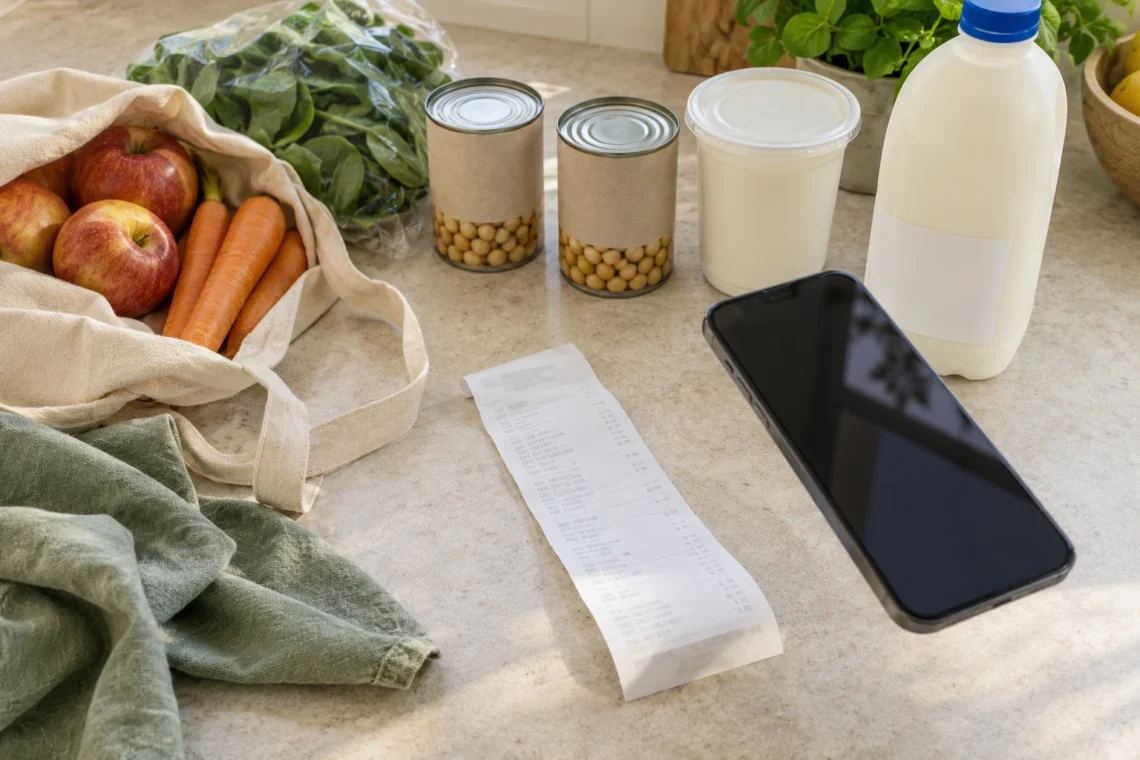
The groceries are put away and the receipt is curled up beside the kettle. Somewhere between the boot of the car and the fridge, the plan for that bag of spinach has already become a little vague.
A receipt records what you bought. Import shop helps turn that record into food you can find, check and use in QR Pantry. The trick is to treat the import as a first draft: let it handle the repetitive work, then give the few important details your attention.
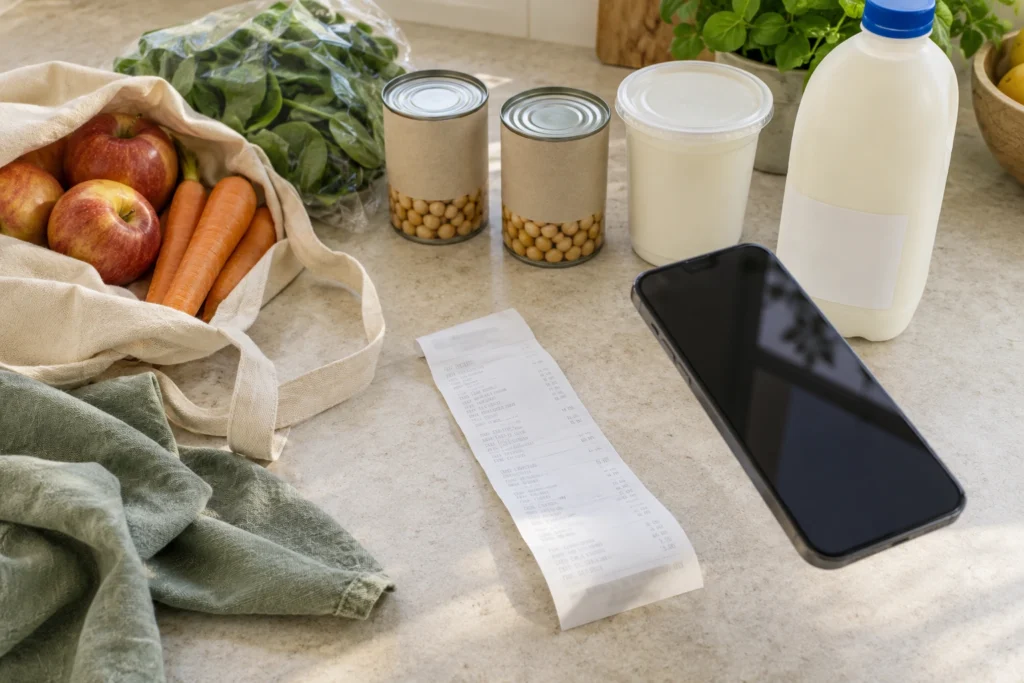
Put the cold food away first
You don’t need to line every purchase up on the bench for an elaborate inventory session. Get refrigerated and frozen food into appropriate storage first, then work from the receipt with the packs nearby when you need to check them. The NSW Food Authority recommends unpacking and refrigerating chilled food promptly. A neat digital record isn’t a reason to leave dinner warming on the bench.
Keep the receipt until you’ve checked the saved items. For an online order, keep the final receipt alongside the delivered groceries: substitutions, missing items and the quantity that actually arrived deserve a check. You’re recording the kitchen you now have, rather than the order you hoped would turn up.
Give the importer something it can read
Receipt import is part of QR Pantry Pro. Open Import shop and photograph the receipt, or upload a photo, screenshot or PDF. Use the clearest version available. A PDF receipt saves you photographing a screen; a paper receipt needs enough light and a view of the whole item list.
Flatten curled paper, avoid a strong shadow across the text and make sure the purchase date is legible. Don’t crop away half a line to make the image look tidy. If the receipt can’t be read, try a clearer image instead of repeatedly sending the same blurred one. If an iPhone photo’s format causes trouble, a screenshot is another supported option.
QR Pantry reads the receipt into review cards. It can suggest names, quantities, dates and storage spaces, and may find product images. Those suggestions are useful starting points. A small receipt abbreviation, a weighed item or a generic product image can still need your judgement.
Review in the order mistakes would matter
Don’t begin by polishing every product name. Start with the details that would change what you cook or buy: is this the right food, is the amount right, and does the date match the pack? Once those are sound, tidy names only where they’ll help you recognise an item later.
- Check what’s included. Untick anything you don’t want in your food inventory, including non-food purchases or a line that has been misread.
- Check the name. Make it recognisable in your kitchen. ‘Plain Greek yoghurt’ tells you more at dinner time than a truncated receipt code.
- Check the amount. Compare packs with packs and weighed purchases with their units. Two tins and 0.5 kg of tomatoes aren’t the same kind of quantity.
- Check the destination. Choose the space where you’ll actually put it, rather than accepting a location because it sounds plausible.
- Check the date against the food. Give near-date, marked-down and perishable purchases attention first.
For example, a shop might include two tins of chickpeas, two yoghurts with different printed dates, and toilet paper. Keep the chickpeas together if their details match. Separate the yoghurt dates. Leave the toilet paper out of Food. That’s a more useful review than spending five minutes making every brand name immaculate.
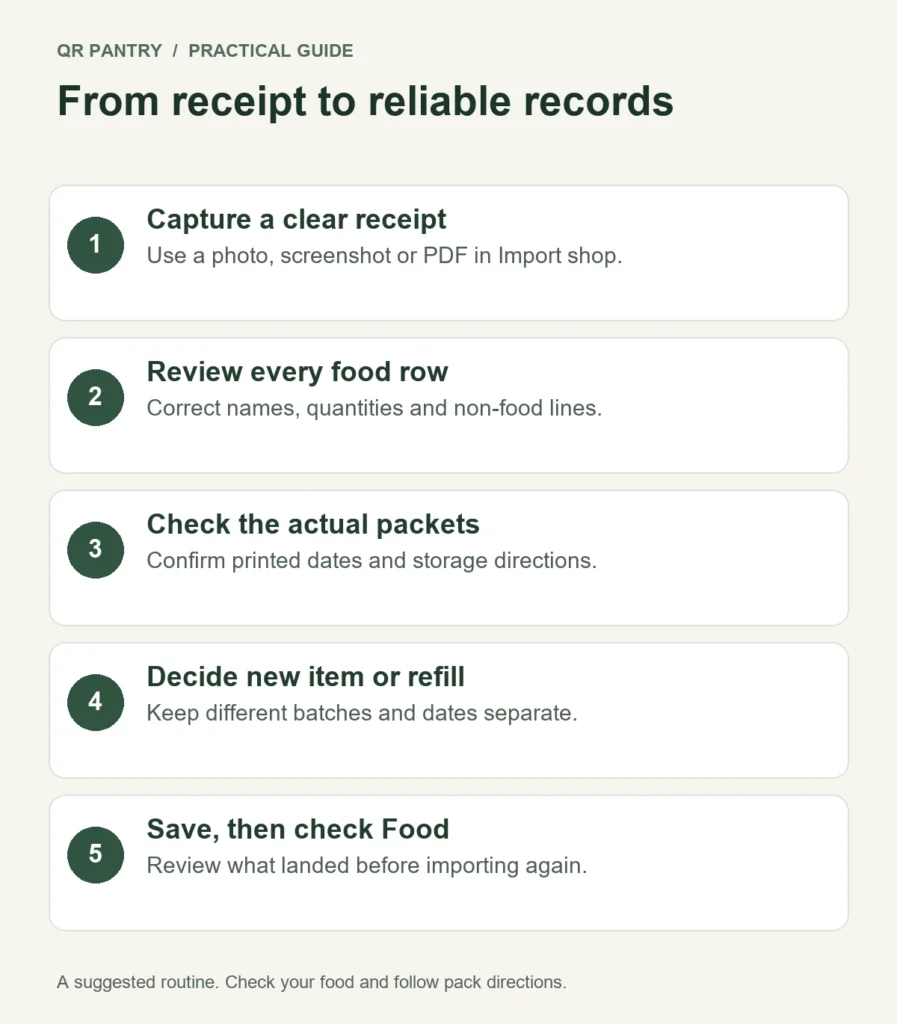
Let the pack settle the date
A receipt usually doesn’t contain the use-by date printed on your particular yoghurt. QR Pantry’s date estimate is a guess based on the information available, not a reading of that pack. An amber estimate needs checking; change it to the relevant pack date, or confirm it with Looks right only after you’ve checked what you’re accepting.
The review screen’s reminder control appears after a date is confirmed. Confirmation enables the reminder by default, and you can turn it off. If there’s no date, there isn’t a date reminder to enable. For an older receipt, a suggested date that would already be in the past may be left blank. Set a date from the food itself rather than inventing a future one to clear the warning.
Keep the meaning of the date intact. Use-by is about safety; best-before is about quality. Don’t eat food after its use-by date. Follow the manufacturer’s storage and opening instructions as well. The NSW Food Authority explains both date marks. Neither an app estimate nor a reminder establishes that food is safe.
If you bought several of the same item with different dates, use Split 1 off on a multi-quantity review card. The separated unit gets its own card, so you can give the marked-down yoghurt its earlier date and leave the others together. This small correction makes later ‘what needs using first?’ decisions much better.
Refill an empty container, or add a new purchase?
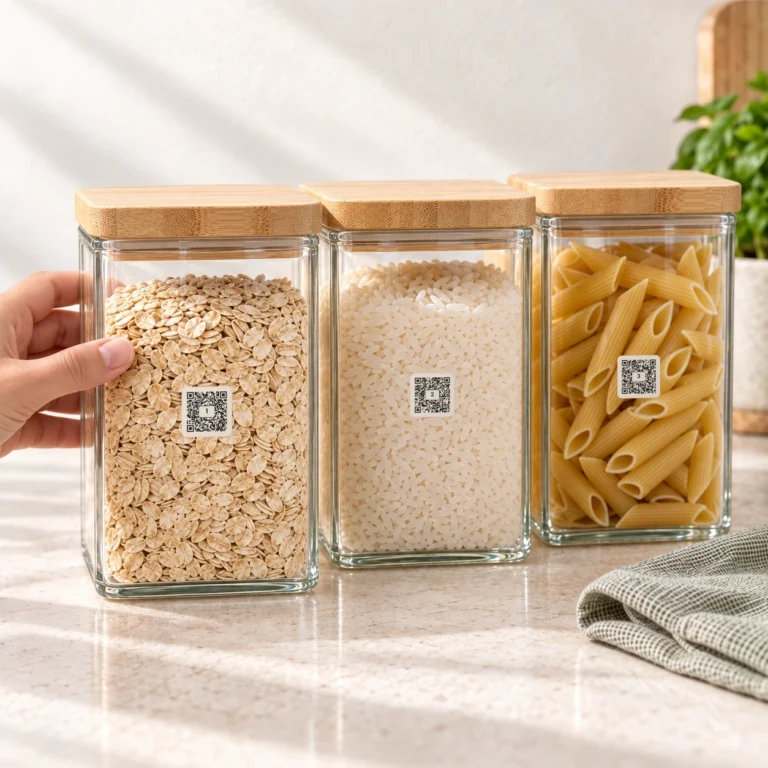
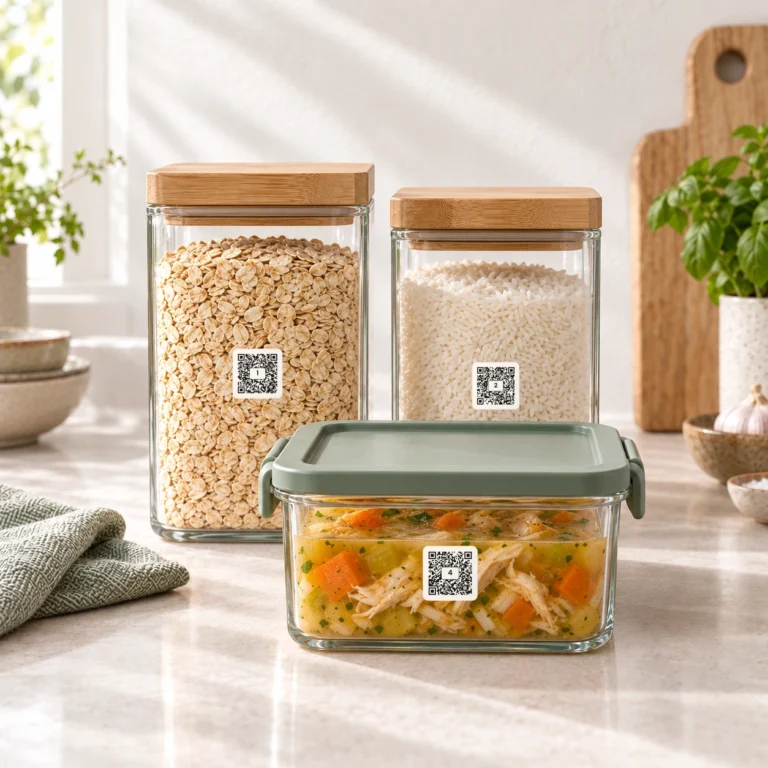
This is where the import becomes useful beyond a list of receipts. QR Pantry can offer purchases as refills for your empty containers. It also lets you choose Refill an empty container and select the right one yourself. That means your rice jar can keep its reusable label when you buy another packet.
Read both sides of the proposed match: the container’s name and the receipt item. Similar words don’t necessarily mean the same ingredient. Ground paprika belongs in the paprika jar, not whichever red spice jar happens to be empty. If a proposed match isn’t right, choose Add as new instead.
Use a refill when that container is empty and the new food is actually going into it. An unopened spare packet beside a half-full jar is a separate purchase with its own date. Keep it separate until the jar’s old contents are used. Recording a new batch over the old one would make the jar’s information misleading.
You can also import food without a label. For a new item that you’ll decant later, Pro lets you open it in Food and use Pair a QR Pantry label from More. Pair it with the actual container you’re filling, and avoid creating a second food record for the same purchase.
Save, then make one useful decision
When the included cards are right, choose Add to QR Pantry and confirm. Read the result, including any message about items that couldn’t be added. Then open Food and spot-check the few entries that mattered most: the two yoghurt dates, the rice refill and anything you sent to the freezer. On each relevant saved item’s date panel, check Use by or Best before against the pack too; the receipt review isn’t a substitute for setting the correct date type.
Choose one ingredient from this shop that needs a place in the next few meals. Put the spinach into tomorrow’s dinner plan, for example, rather than trusting yourself to rediscover it on Sunday. Importing remembers the purchase; that small cooking decision gives it a job.
Once you’ve checked the saved records, put the receipt away. Next time, repeat the same modest routine: cold food first, clear receipt, careful exceptions, save. Your grocery history becomes something you can cook from, one shop at a time.