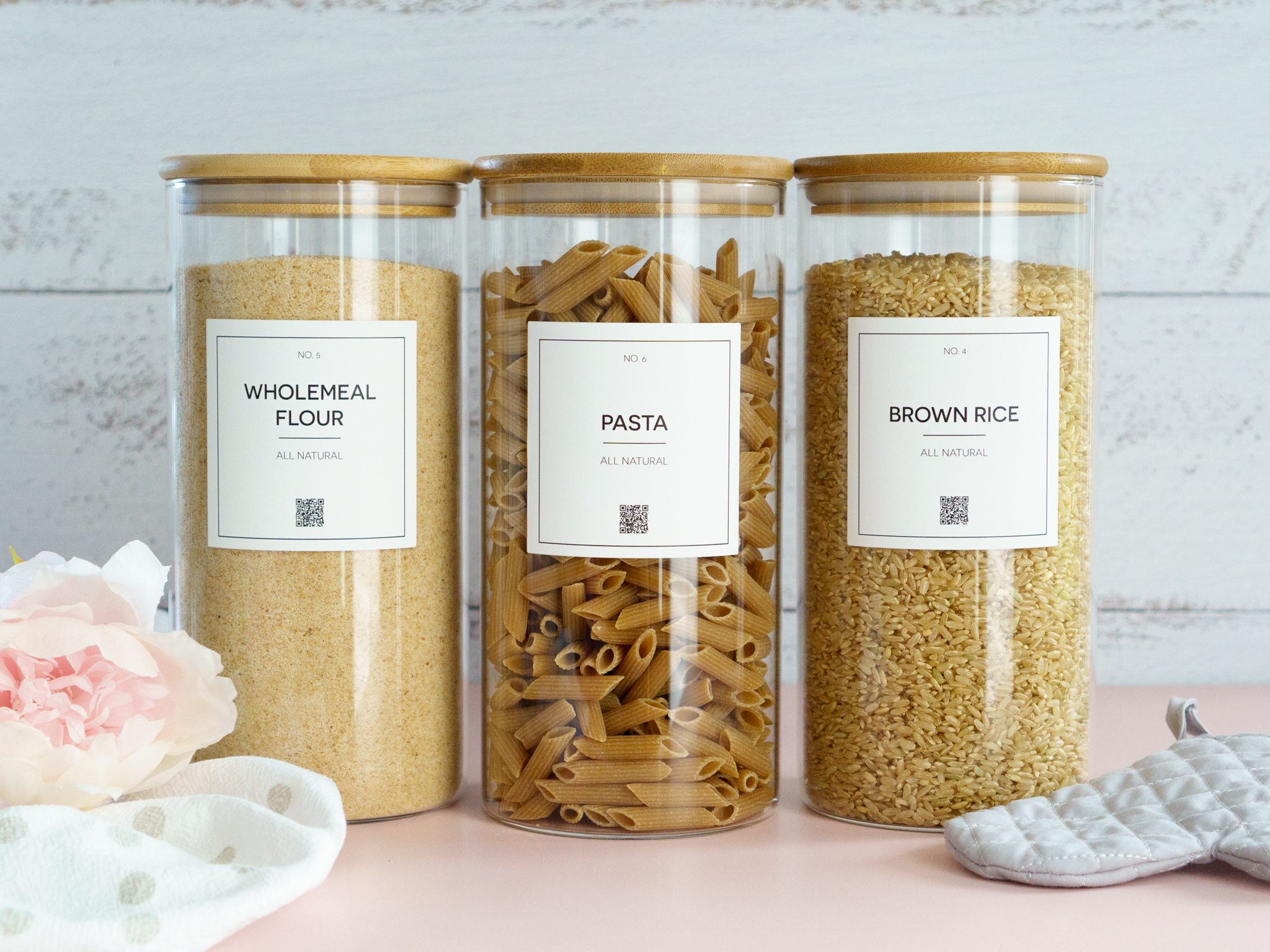
Every pantry has a few mystery jars. The flour that might be plain or might be self-raising, the spice with the faded lid, the container of something brown at the back of the freezer. A normal label fixes the first problem, because it tells you what a thing is. It can’t tell you when it went in, when it needs using or whether you already have another one in the cupboard.
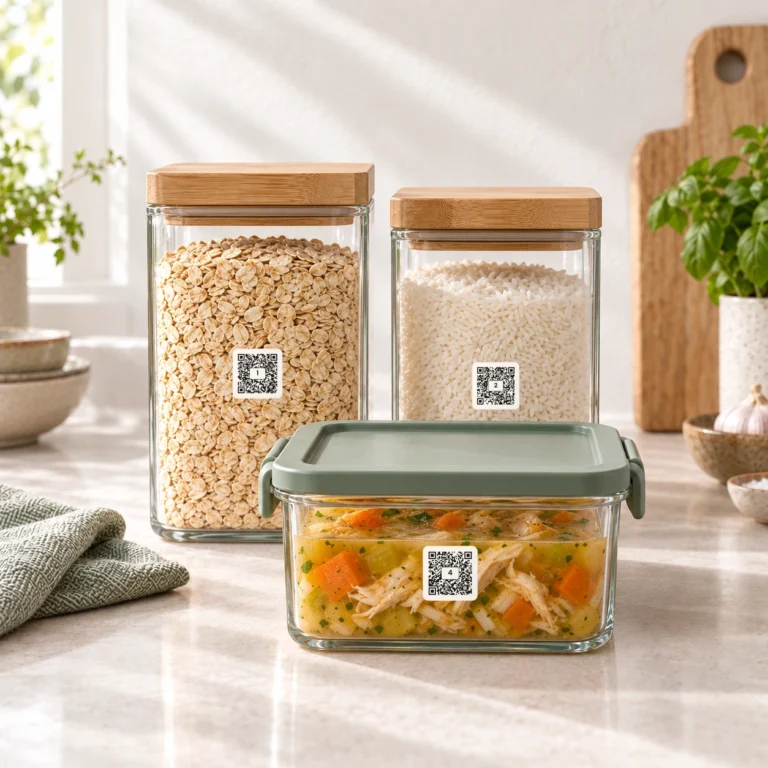
A QR Pantry label can. Each one carries a QR code that opens the jar in the free QR Pantry app. Scan it with your phone and you see what’s inside, when it was stored, when it expires and any notes you left yourself, like the ratio for the rice or how long the stock keeps once it’s open. The label stays on the jar. When the contents change, you update the details in the app and carry on.
Know what you have before you shop
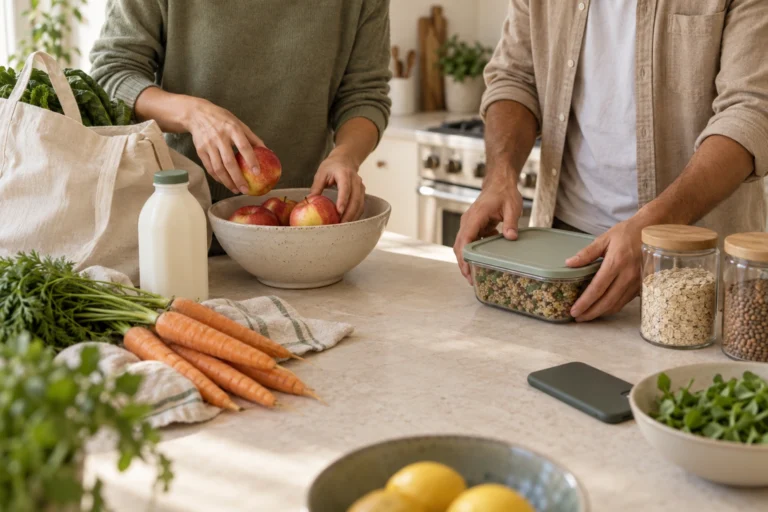
Once your pantry is labelled, the app knows what you have. You can check it from the supermarket aisle before you buy another bag of pasta, and the shopping list fills itself from the things you flag as running low. Nobody comes home with a third jar of cumin.
Dates you can trust
Food loses its date the moment it leaves the packet. Tip it into a jar, freeze it or open it, and from then on you’re guessing. A QR Pantry label keeps the date with the container, and the app reminds you before something needs using, so it gets eaten while it’s still good. That matters most for the things you can’t judge by looking, and for anything you pack for the kids.
Beautiful on the shelf
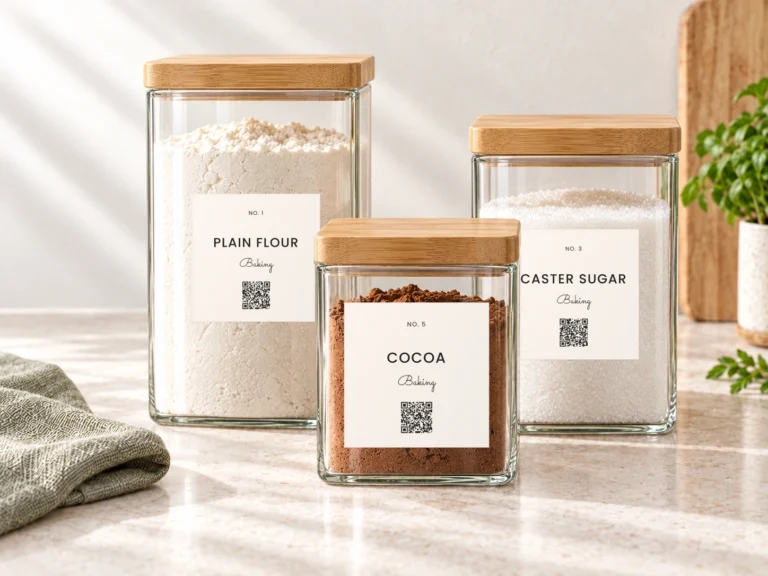
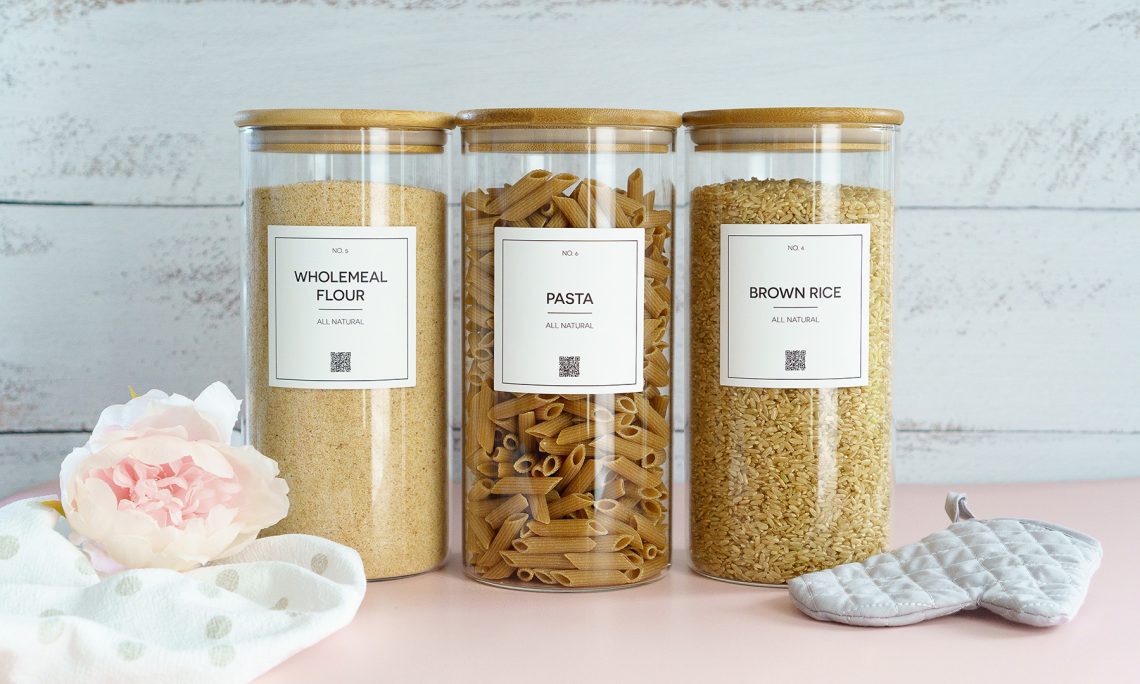
For the jars that always hold the same thing, our custom pantry labels and custom spice labels come printed with your names, in four styles, with a QR code on every one. The first scan opens the jar in your pantry already named. For everything that changes, the blank Smart Pantry, Fridge & Freezer Labels are named in the app and reused as the contents change. Most kitchens end up with both.
A labelled pantry looks calm from the outside. The useful part is what it remembers. If you’d like to see how a label works before you buy one, the live demo lets you scan one on screen.